
A governed AI workspace for your organisation
Move from individual to organisational AI capability.
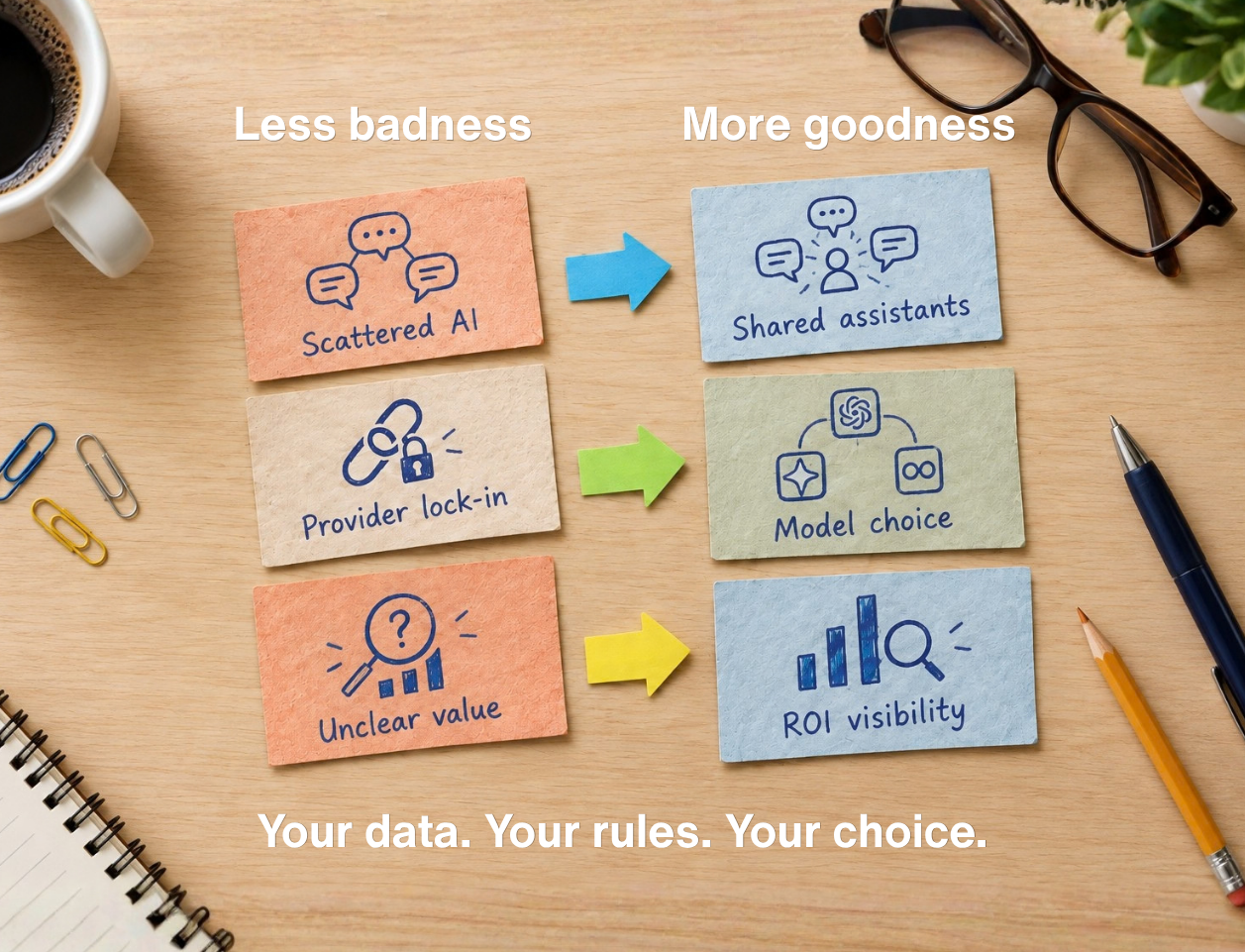
Put AI to work across your business with shared assistants and deeply connected tools. Give your people the best AI capabilities while keeping control of access, sharing and model choice. Get a better grip on ROI with time-saving insights.
More than 200 Western Bay of Plenty District Council staff regularly use Theta Assist. A staff-built Planning Check assistant avoided $70,000 in module development costs.
Make the move from personal to organisational AI. Theta Assist is the governed AI workspace for your organisation. Bring useful assistants, business information and approved tools together. Help people find the right, certified assistant, define what it can access and do, and understand where it is helping.





Start with a useful workflow. Connect the sources and tools it needs, prove it works, then share it with your team or the whole company.
.svg)
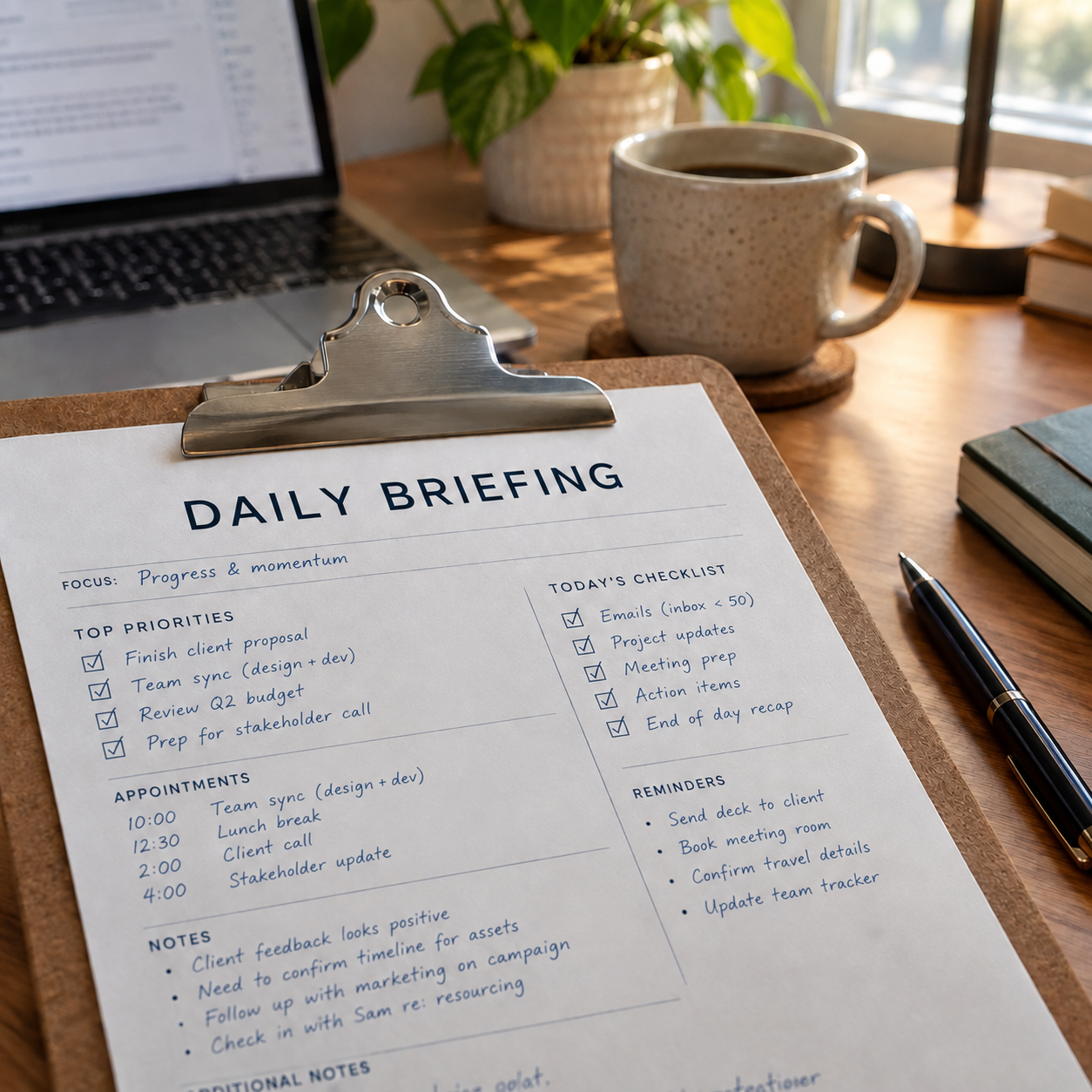
Prepare your day: bring together relevant email, Teams conversations and upcoming meetings in a scheduled personal briefing.
Turn meetings into follow-up: identify actions from available transcripts, create Planner tasks and prepare an Outlook reply for review.
Review documents in bulk: apply the same extraction or review task across multiple files, then bring the results together for checking.
Connect business information, take the next step and make useful work repeatable - with controls for the people responsible for it.

Find relevant information across Outlook, Teams, SharePoint and OneDrive. Use it to prepare documents and presentations in your templates, manage Planner tasks and analyse workbook data, and reply to emails.
Connected access follows the user's Microsoft 365 permissions. Administrators choose available tools and can enable writing and editing of supported files within a configured AI workspace.
Schedule assistants for daily briefings, weekday reports and recurring processing tasks. Run longer jobs in the background, or use Power Automate to trigger a saved job when an event occurs.
Apply the same task across multiple files with batch processing - for example bulk contract reviews. Give each workflow clear instructions, appropriate tool access and an owner to review the results.


Turn useful individual approaches into shared assistants, with instructions and background information your team can reuse across Teams, Web and on the go with Voice Assistant.
Choose who can access an assistant, require approval for sharing and certify assistants that have passed your organisation's review.
Manage access to tools and models, and stage the rollout of new models so your team can adopt them deliberately.
Review how AI is being used, learn from your team's feedback and choose the models that fit your work.
Review usage and estimated time savings across assistants and scheduled jobs.
Let users add feedback to refine estimates and identify workflows worth expanding or improving.
Treat time savings as estimates, then assess them alongside output quality, review effort and business outcomes.
Bring all supported AI providers into one workspace using your own provider accounts - OpenAI, Anthropic, Amazon, Azure and many more.
Administrators can test and enable models for the capabilities and price point that your teams need. Keep choice and rollout under your control. Available capabilities depend on the model, provider and tools you configure.
Your licence is based on how many people use Theta Assist each month. Those people can change from month to month, so access can follow the work across your organisation.
Plans include 100 monthly active users, with additional active users charged in bundles. Platform and AI usage charges depend on your plan. Azure infrastructure costs are additional.
Explore pricing optionsCombine the platform with practical guidance and training from real people. Help teams identify useful tasks, build confidence and share approaches that work.
Talk with us about training and enablement options for your team, and agree the scope that fits your rollout.
Explore a practical workflow for your organisation—from the information it needs to the output your team will review. Start with useful work, clear boundaries and a way to assess value.


