
In this article, Jim Taylor, our Emerging Technologies Architect, explains how Theta Assist is leading the charge beyond simple chat and document retrieval - delivering AI that connects to your business systems and gets things done.
Once upon a time, AI for business meant one thing: chat with AI knowledge
You asked a question and got an answer from the AI's built-in knowledge.
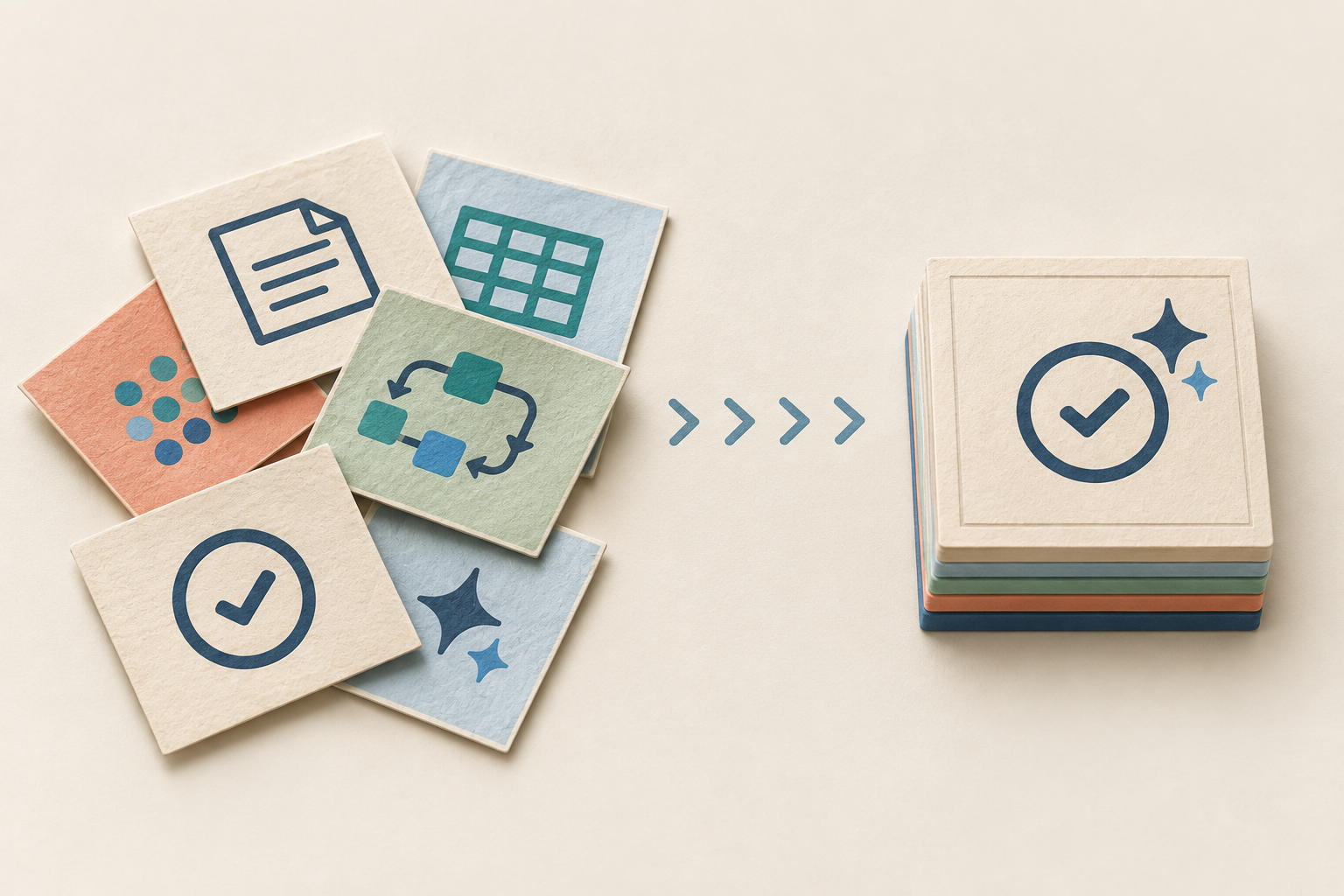
Then we evolved to what many know today as RAG (Retrieval-Augmented Generation) - the assistant read your documents, pulled knowledge from them, summarised and generated replies.
Now, with Theta Assist, we’re stepping into the next evolution: not just AI knowledge, not just retrieval, but real tool-enabled action.
Imagine your assistant not only reads the documents you provide, but also reads (and even actions) your meeting invites, emails, and SharePoint documents i.e. connecting to the systems you already use - your calendar, your inbox, your drive, and enterprise systems, delivering insights, suggestions, and orchestration that make things happen.
Two ways Theta Assist enables this:
1. Built-in Connectors
Theta Assist comes pre-configured with a set of trusted connectors for your everyday business systems:
- Microsoft 365 (Teams, Outlook Calendar and Email, SharePoint, and OneDrive)
- Google Workspace (Gmail, Google Calendar, Google Drive)
- Dropbox (files/folders)
These are what I like to call the “plug-and-play” integrations: your data, your permissions, ready to go. These are read-only connectors that can find information across any of these systems.
2. Model Context Protocol (MCP) Connections
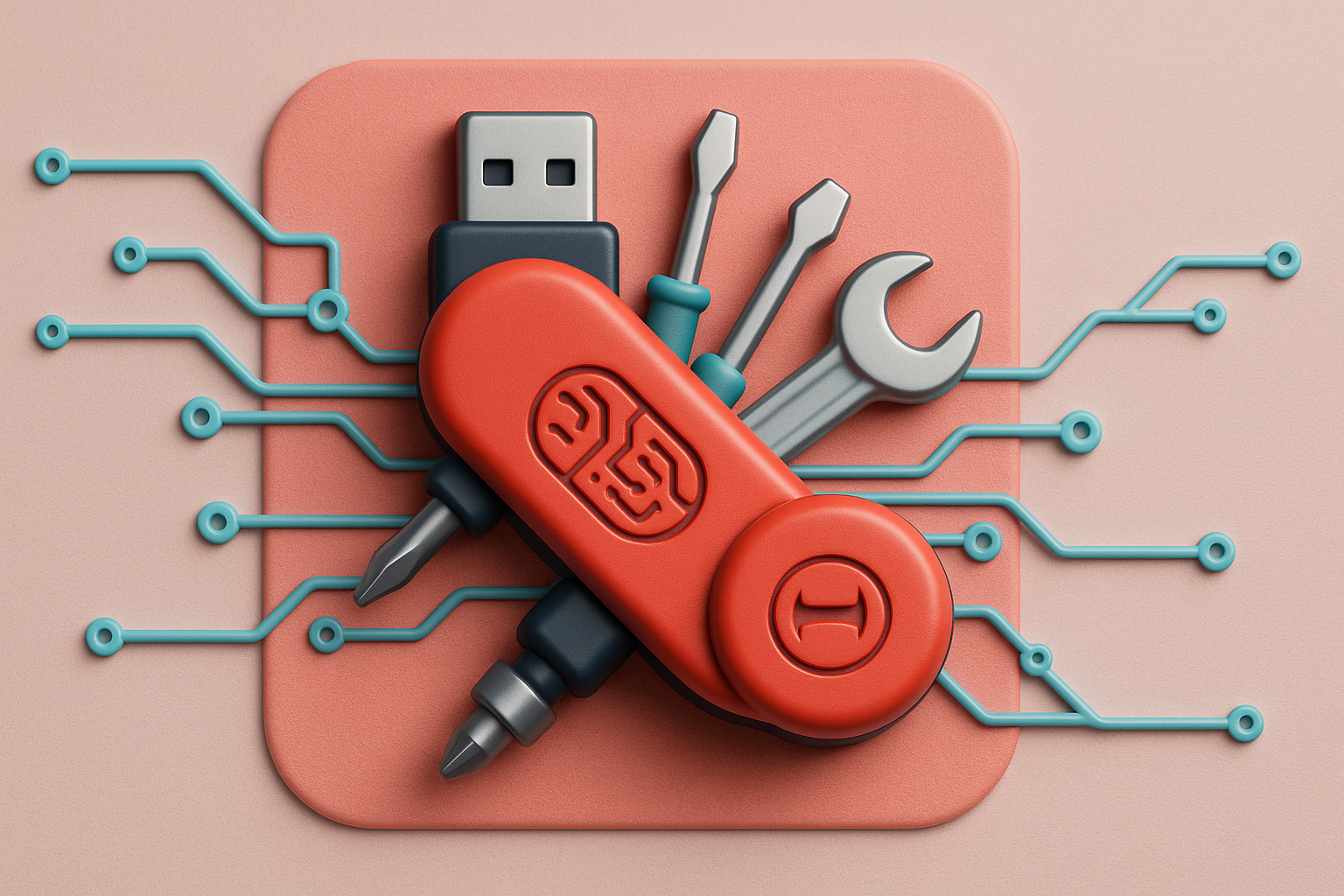
If connectors are the pre-packaged integrations, MCP is your Swiss Army knife of AI - or as this article puts it, the “USB-C port for AI applications”.
In simple language: MCP is an open standard that allows AI assistants to talk to external data sources and tools in a consistent, secure way. Rather than building a bespoke integration each time, you adopt the protocol and plug your systems in.
- MCP is about scalability, flexibility and future-proofing - when your business uses special systems or needs deeper integration, the Swiss Army knife of MCP is there as a standard to adopt.
- Many pre-built MCP servers are available for systems already, with more being launched every day.
- MCP can query systems and can take action i.e. create, update or delete.
Click here to read all things Theta Assist Connector and MCP!
Why this matters for businesses
Smarter workflows = higher productivity
In New Zealand, AI adoption among organisations is surging. One recent analysis found around 82% of NZ organisations now use AI in some capacity, with 93% reporting improved worker efficiency. But that doesn’t mean every organisation is fully utilising AI in their day-to-day workflows yet. In fact, many remain cautious or unsure of how to get started.
That's where Theta Assist comes in and flips that: instead of “maybe we’ll try AI someday,” you get a real pathway to using AI today - RIGHT NOW.
Integrate your calendar, email, files with AI - and start seeing how the assistant can surface more meaningful insights, automate parts of the process, and give you back your most precious resource: time.
Better use of what you already own
Typical NZ businesses tech stacks include Outlook/Teams or Gmail/Drive - your data is already there.
Theta Assist’s built-in Connectors mean you don’t have to rip out or rebuild anything - we tap into what you already use.
Then, as your business grows or your systems diversify, MCP means you’re not locked into a tiny sandbox: you can extend into CRMs, ERPs, bespoke databases, custom apps - the standard is there to scale.
Competitive edge with less risk
The return on AI for Kiwi businesses is real.
For example, one advisory highlights the opportunity for NZ SMEs to lead with AI adoption rather than lag behind.
Your competitors might still be asking “should we adopt AI?”, while you’re already using your Theta Assist AI assistant to schedule smarter, summarise faster, surface insights you’d previously missed.
That gives you the agility of a startup without the risk of a large-scale project.
How it works
- Enable a connector: Choose Outlook Calendar, Gmail, DropBox, etc. Your assistant now has read-only access to data you permit - events, email metadata, files, folders.
- Ask your AI smarter questions: “What meetings am I double-booking next week?”, “Which emails from our client went unread?”, “What files in Drive haven’t been updated in 30 days?”
- Go deeper via MCP: Suppose you have a specialised CRM, or a job-tracking system, or custom spreadsheet workflow - you can connect it using a pre-made MCP or make your own - standardising how your assistant talks to it, retrieves context, and integrates into your flow.
- See value from AI immediately: No huge rollout, no big infrastructure project. The Theta Assist connectors give you fast wins; MCP gives you the growth path.
- Governance built-in: Read-only access, clear permissions, data you already have rights to. You’re not creating new silos or risky shadow-IT/AI.
Positioning Theta Assist for you
Think of your business tech stack like a plug board of sockets and devices. In other words:
- Simple devices: Connectors get you up and running quickly with the most common services.
- Advanced appliances: MCP ensures you’re not limited - when you adopt new systems, specialised workflows, custom tools - your assistant can keep pace.
For organisations in New Zealand, that means you’re “AI-ready” and “AI-capable” without needing a major overhaul or waiting for “when we’re bigger”. The assistant becomes part of your everyday toolkit.
What this looks like in practice
Consider an accounting practice in Wellington. They use Microsoft 365 for email and Teams, store client work in SharePoint, and use a job tracking and customer CRM. With Theta Assist:
- The built-in Teams/Outlook connectors let the partners ask: “Which clients are due for a review in the next 30 days and haven’t yet been scheduled?”
- The assistant scans calendar availability plus email metadata to flag upcoming urgent tasks.
- Via MCP, they connect their job-tracking CRM - the assistant now knows job status, client history, review deadlines.
- Result: fewer missed deadlines, less firefighting, more proactive client service - and freed-up time to focus on advisory rather than admin.
The future is already here - you need AI in your business now
The landscape of AI is evolving fast! The open standard Model Context Protocol (MCP) is now being adopted broadly and many vendors are adding MCP connectors to their products.
Meanwhile, organisations in New Zealand are increasingly ready: the government’s AI strategy emphasises that businesses need to adopt now if they want to maintain their competitive edge.
With Theta Assist’s combination of built-in connectors plus MCP extensibility, your business doesn’t have to wait for “AI maturity” - you can step in now, take advantage of what you already have, and build from there.
Summary
- Chatbots and RAG were only the beginning.
- Tool-enabled AI like Theta Assist delivers real business outcomes.
- Connectors give immediate access to your daily tools.
- MCP unlocks scalable, future-proof integrations.
- NZ businesses can shift from “thinking about AI” to “AI as part of the workflow.”
With Theta Assist, AI finally becomes something that works inside your business, not just something you ask questions to.