Theta Assist is built for organisations that already run on Microsoft. Rather than adding another external platform to manage, it deploys into your own Microsoft Azure tenant and fits into the tools, sign-in and user directory your team already uses.
Theta Assist is deployed to your Microsoft Azure tenant, so it sits alongside the rest of your Microsoft environment. Costs are billed through your existing Azure subscription or enterprise agreement, so there's no separate vendor account to set up.
Your team signs in with Microsoft single sign-on (SSO), using the same accounts they use every day. A Microsoft Teams app is included, so people can use Theta Assist right where they already chat and collaborate.
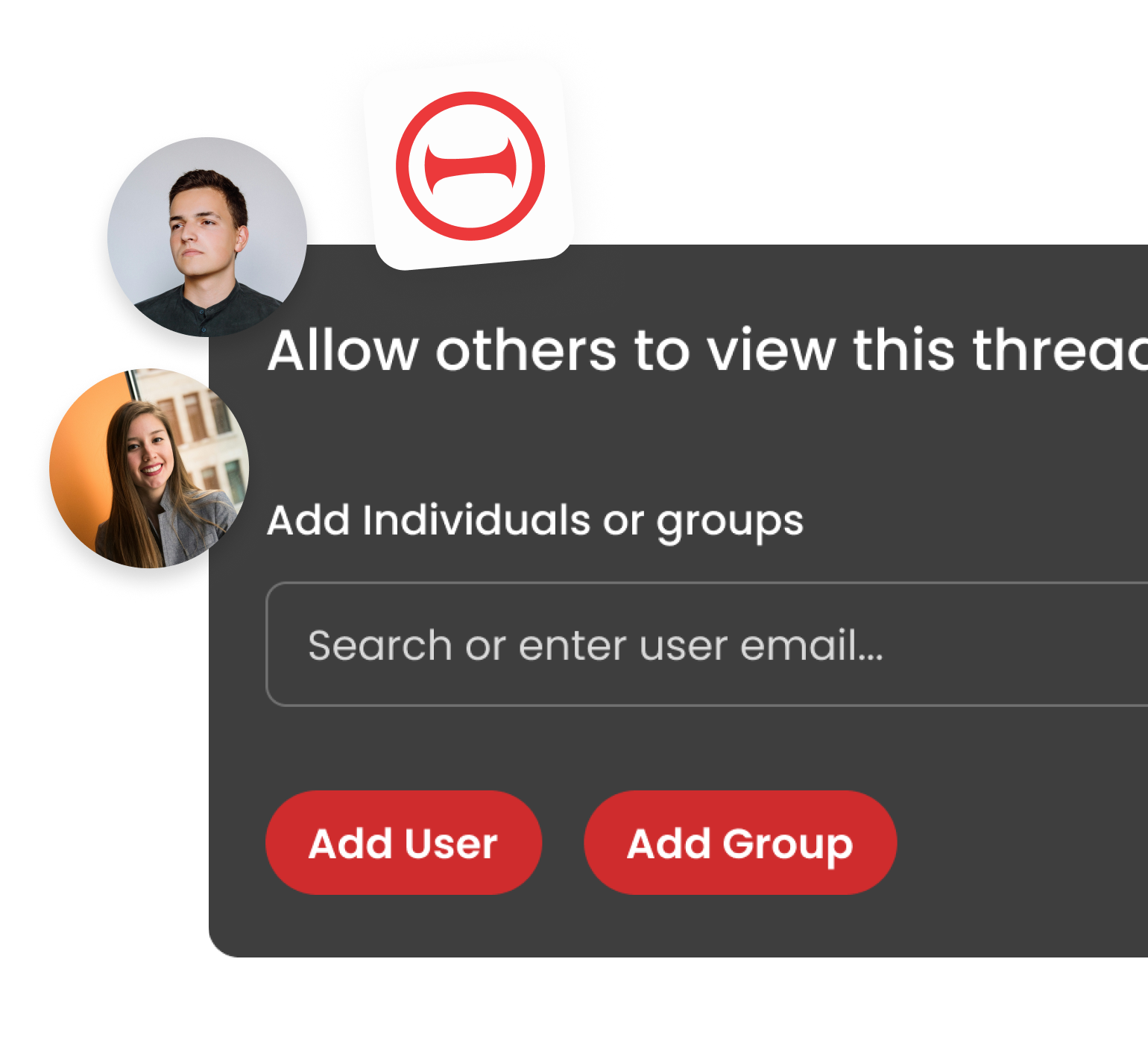
Sync your users and groups from Microsoft Entra ID to keep access in step with your directory. Instead of managing a separate list of people, you can manage who has access using the groups you already maintain.