Every organisation works differently, so Theta Assist lets you shape it around yours: how it looks, how it behaves out of the box, and what your team can connect it to.
Control the naming, domain and logo so Theta Assist looks and feels like your own internal tool. A familiar name and brand helps your people recognise and trust it.
Set up default prompts and choose your preferred models, so everyone starts from a good baseline instead of a blank page.
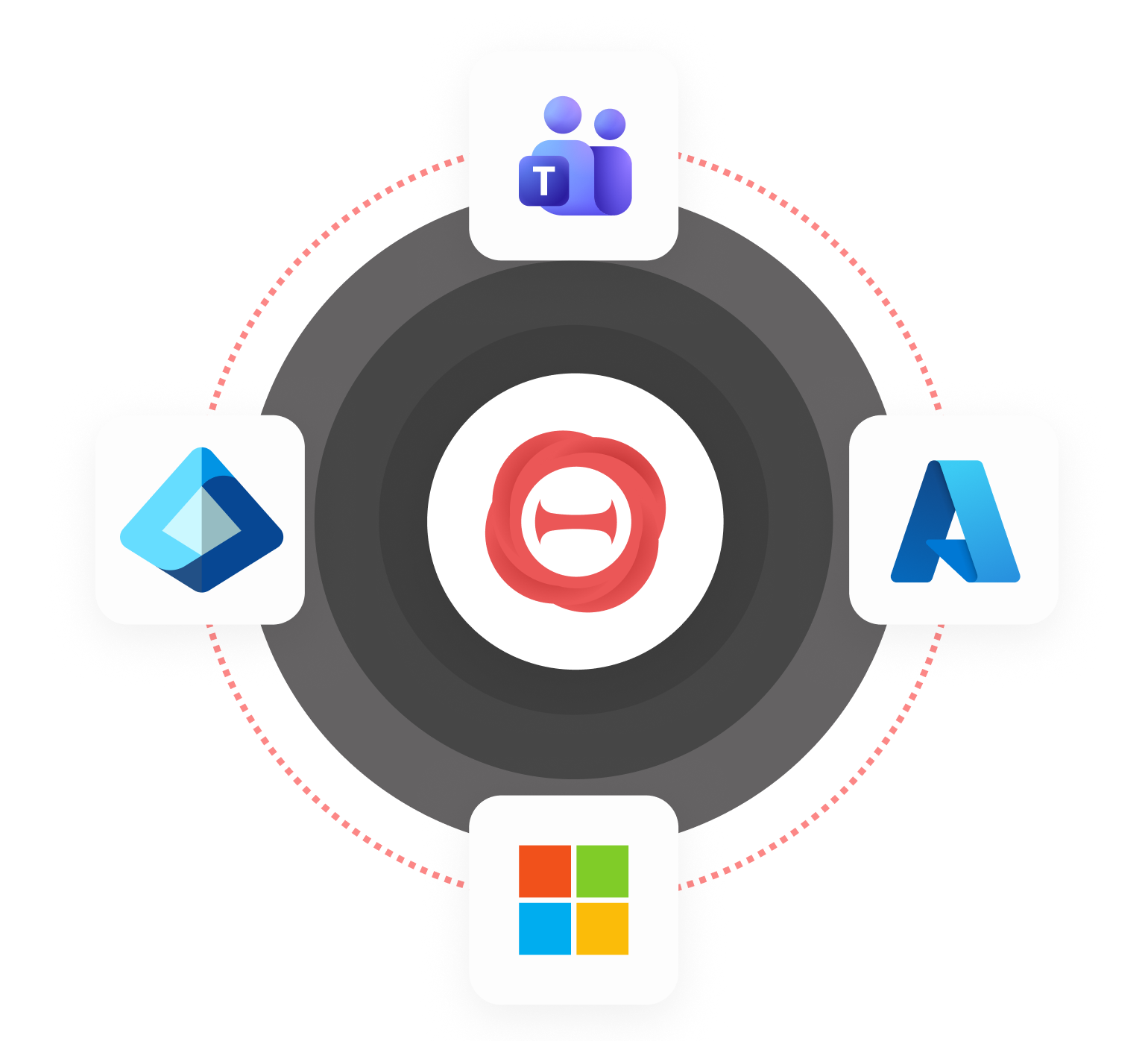
Enable MCP tools and connectors for your teams to use. You decide which connections are available, so assistants can work with the systems that matter to your organisation.
Analytics and insights show how your team uses AI. Use them to understand adoption, spot what's working, and see where more support or training would help.